How to use the DM's dashboard: the Party view and your own layout
The short answerYour campaign's Party tab shows every player's hit points, conditions, passive scores, saves and spell slots as they change. Press a card's hit points to change them. To shape the page, press Arrange, then add, move and size the blocks both ways and press Done.
- For DMs
- 8 short steps
- Updated 7 November 2026, for Archivist 1.4.0
This page's example is The Drowned Lantern, with three players.
See the whole party
- On your campaign's page, press the Party tab.
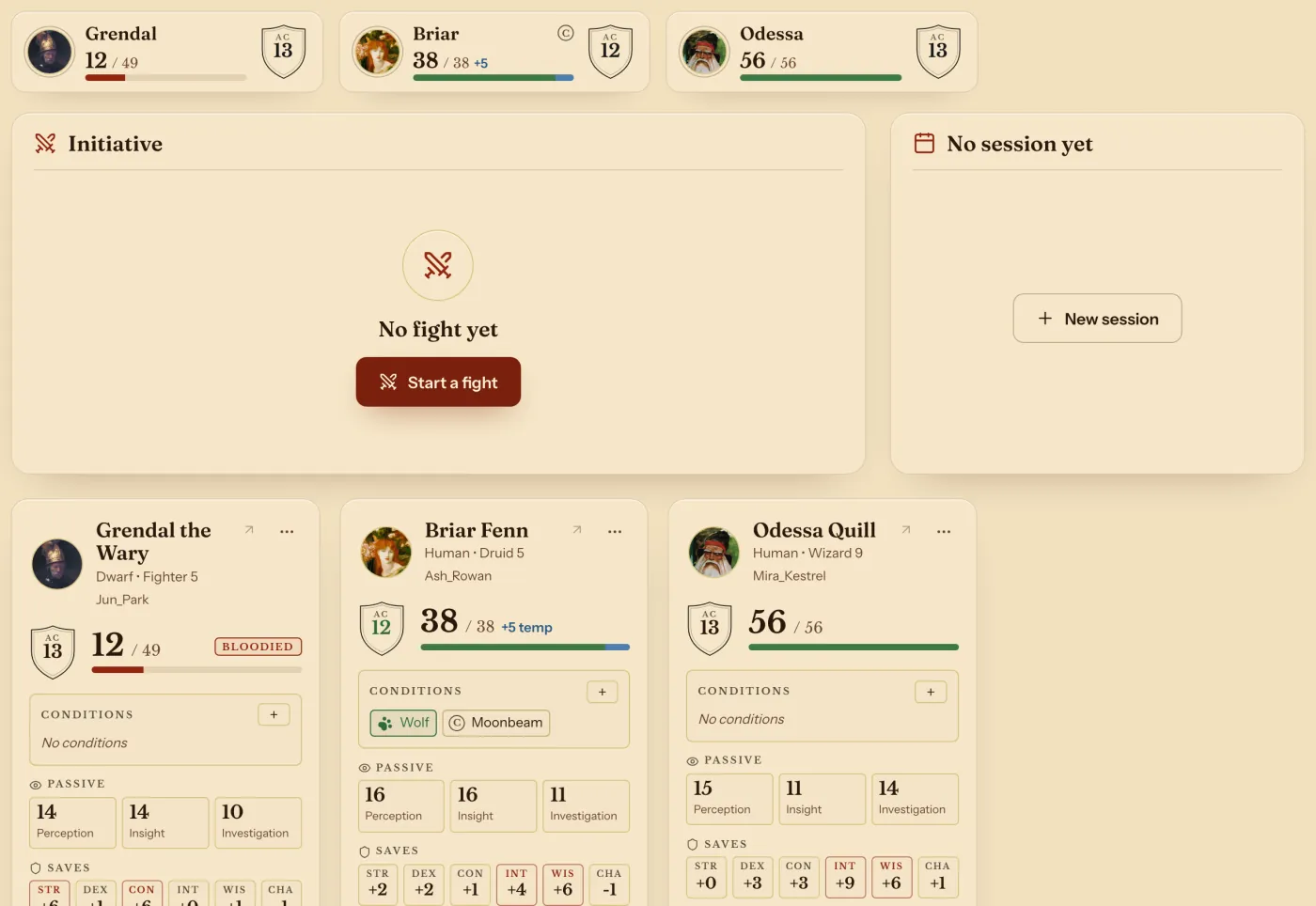
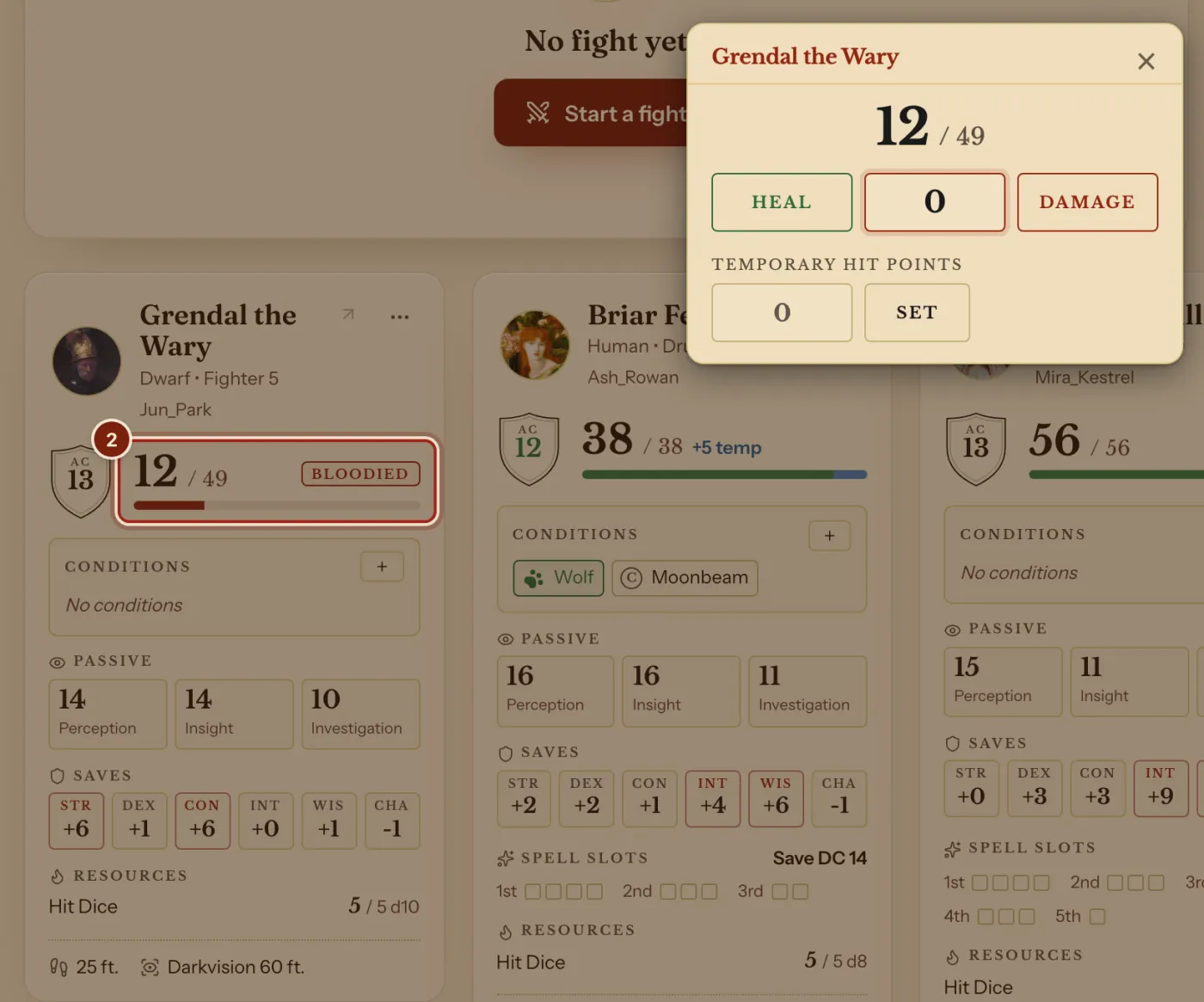
- Press a player's hit points on their card. Type an amount and press Heal or Damage.
Their sheet follows within seconds. Press + under Conditions on a card to add a condition.
Make the page your own
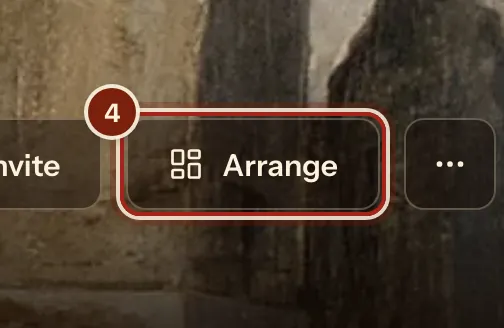
- At the top of the campaign's page, press Arrange.
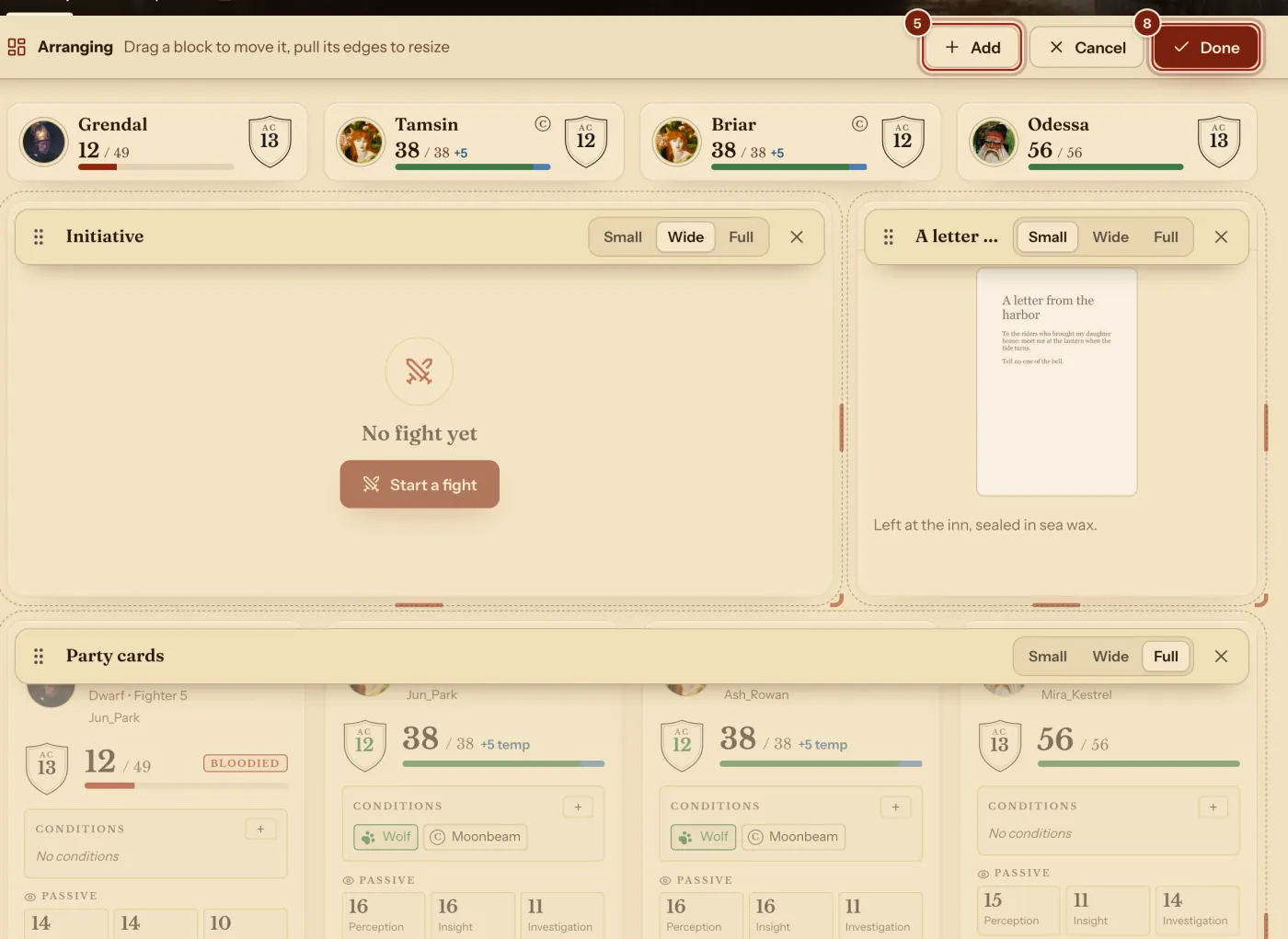
- Press Add to add a block.
- Drag a block by its top to move it.
- Press Small, Wide or Full on a block for its width. Pull its bottom edge for its height, or its corner for both.
- Press Done.
Reset size undoes a height change, and × takes a block off the page. On a phone you can reorder the blocks.
- In the Add window, type a monster's name, a note's title or a player's name, or press a block.
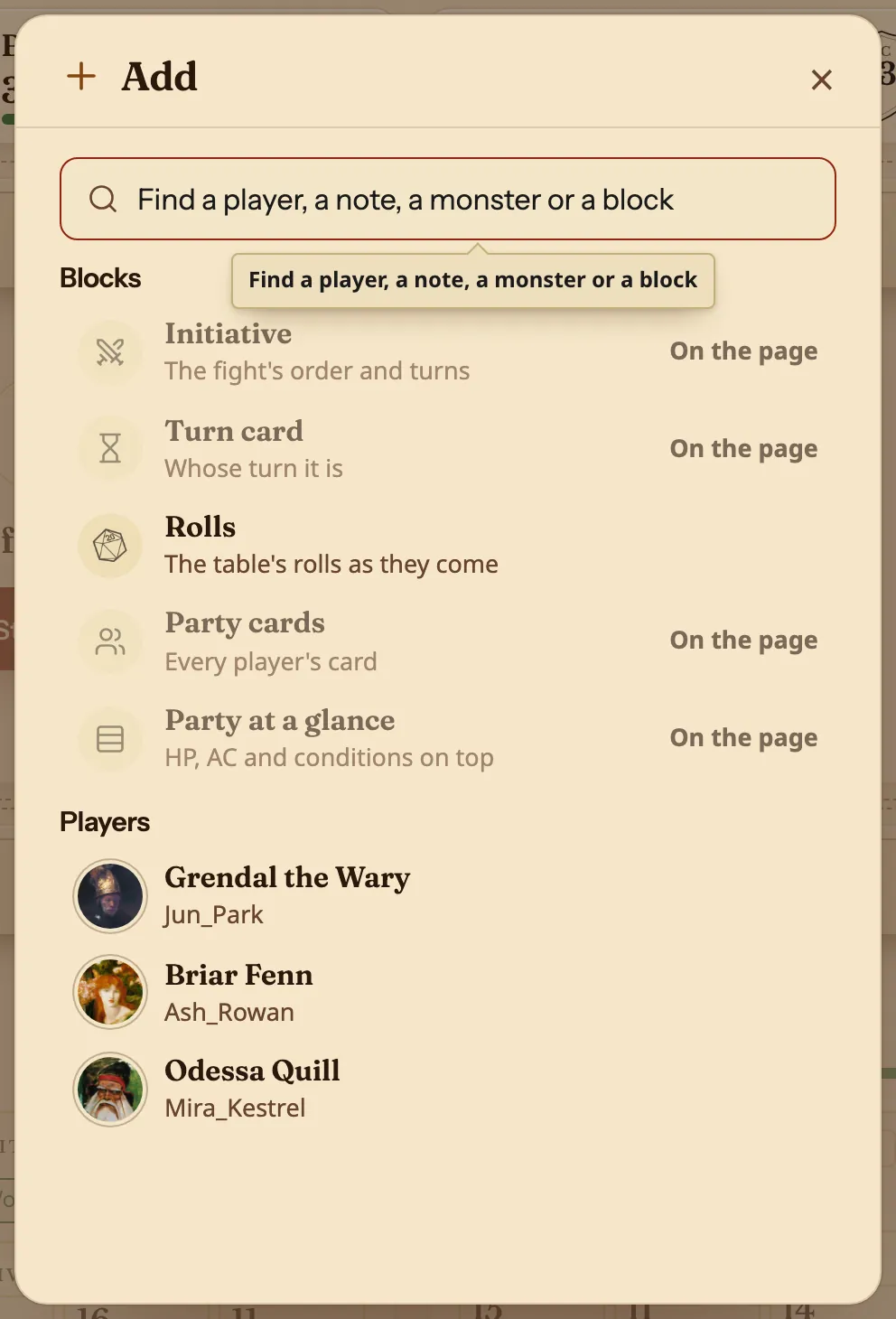
The blocks you can add
On a phone, the page is one column.
| Block | What it shows |
|---|---|
| Initiative | The fight's order and turns. See Run initiative. |
| Turn card | Whose turn it is. |
| Party cards | Every player's card. |
| Party at a glance | Hit points, Armor Class and conditions on top. |
| Player | One player's card. |
| Note | A page or a handout, with the handout's picture. |
| Monster | A stat block from the Compendium. |
| Rolls | The table's rolls as they come. |
Questions
Do players see this page?
They see their own version of the campaign, without your blocks and notes.
Can I undo a change to a player's hit points?
Yes. A change you make comes with Undo.
Can I open a player's whole sheet?
Yes. The arrow on a player's card opens their sheet.