How to keep your character on every device
The short answerSign in with the same account on each device. Your characters, portraits, notes and homebrew are already there, and a change on one device reaches the others by itself. On a phone, add Archivist to your Home Screen and it opens full screen, like an app.
- For players and DMs
- 5 short steps
- Updated 7 November 2026, for Archivist 1.4.0
This page's example is Grendal the Wary on a computer and a phone, under one account.
Sign in on your other device
- On your other device, open app.archivist.gg in a browser.
- Sign in the way you did before: Continue with Discord, Continue with Google, or your email address.
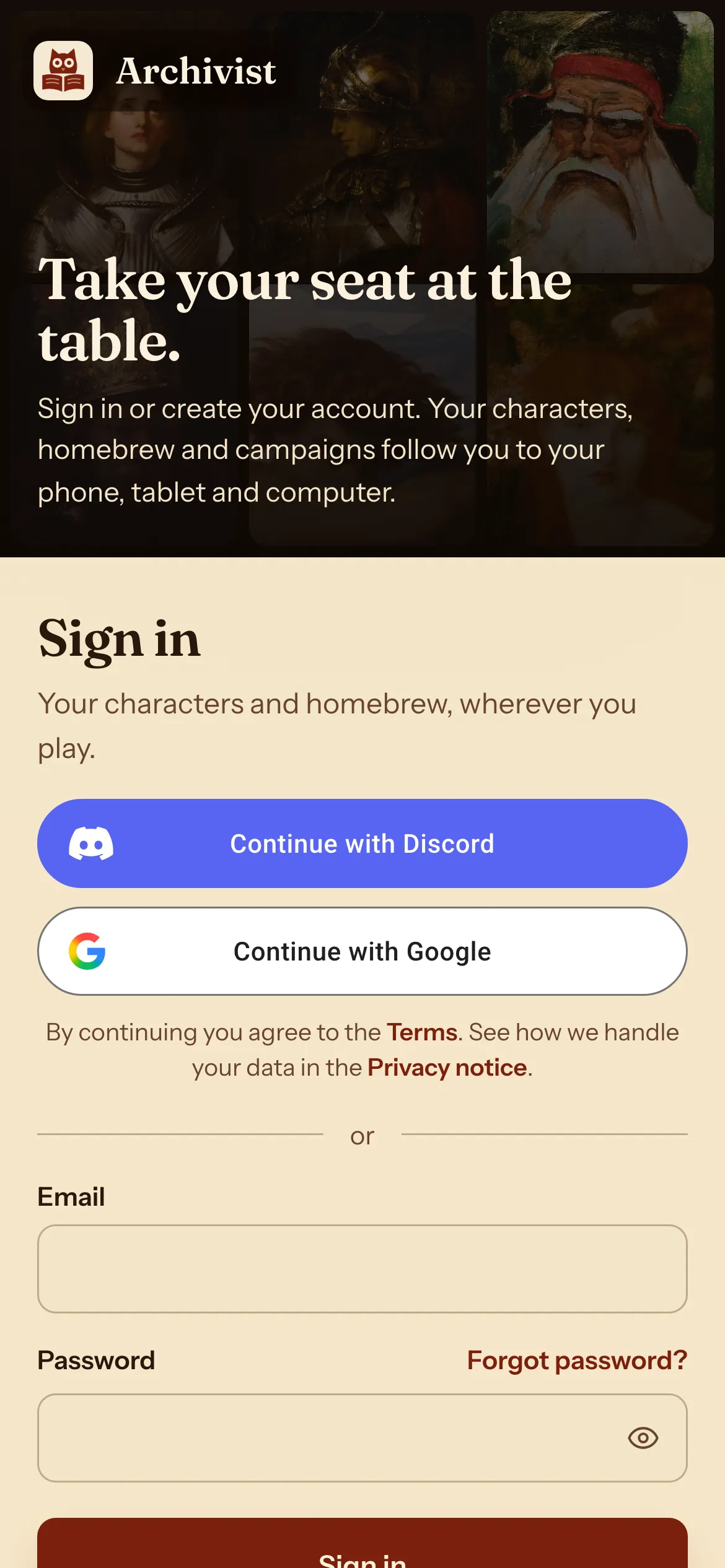
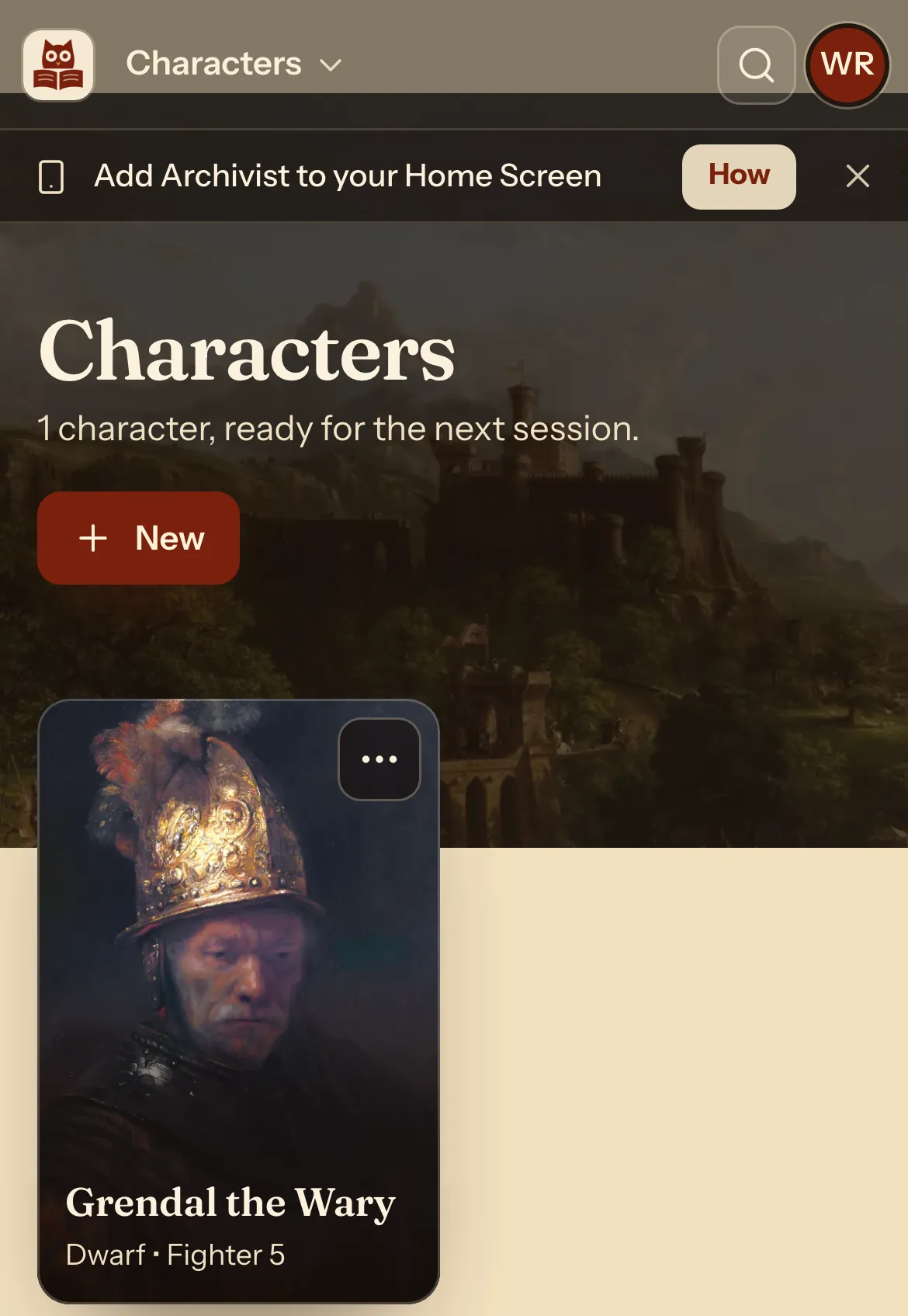
- Your characters are on the Characters page. Press one.
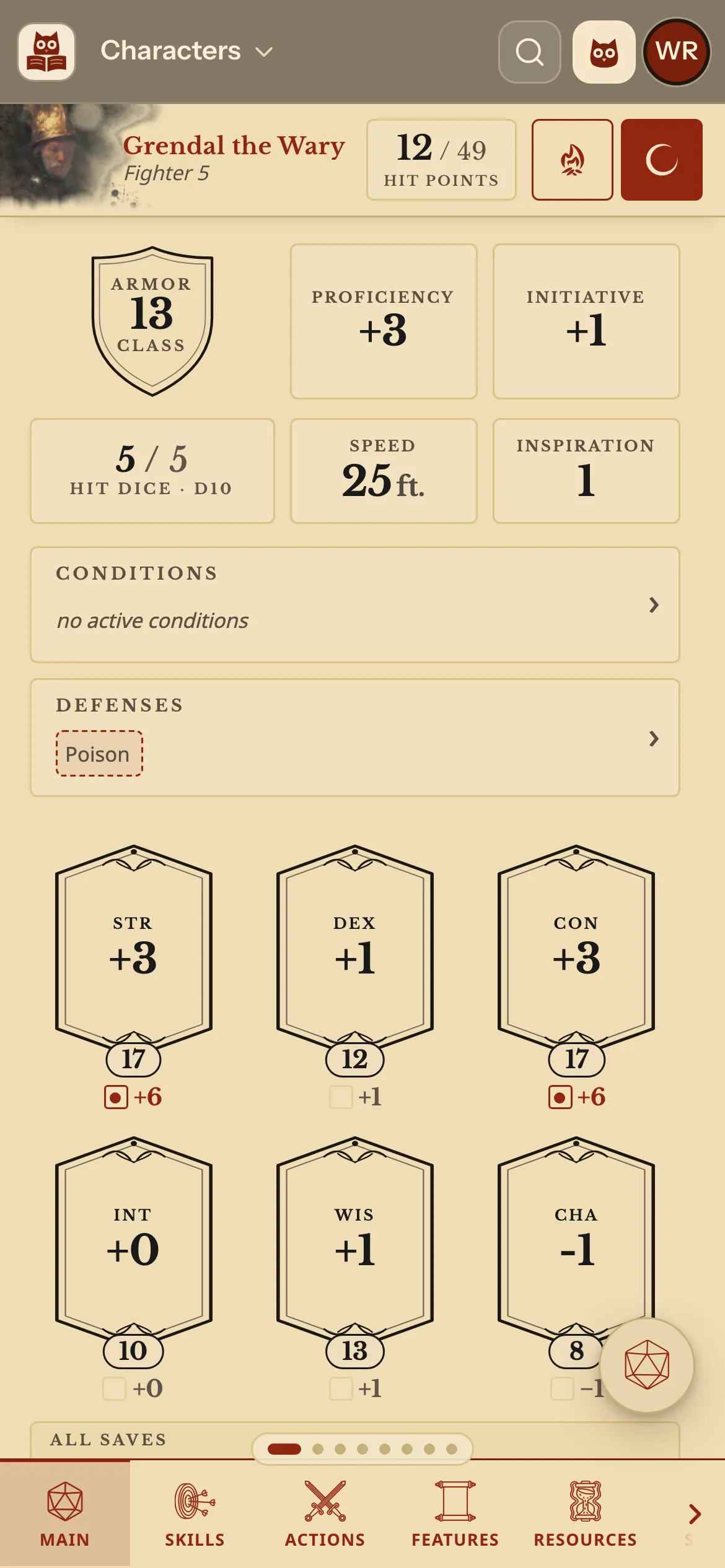
- Play. Change a number here and your other device follows.
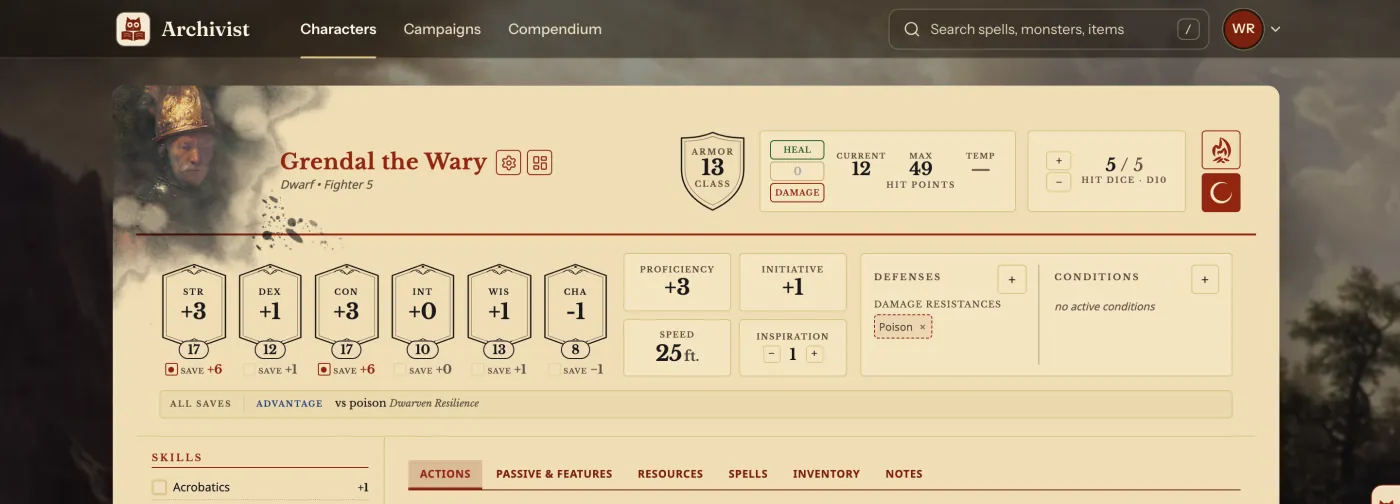
- Back on your computer, the same character shows the same numbers.
What follows you
All of it belongs to your account.
| Yours | On every device |
|---|---|
| Characters | Every number, tick box and note. |
| Portraits | A painting from the gallery, or your own picture. |
| Homebrew | Your own compendiums, in every list. |
| Notes | Your character notes and, as a DM, your campaign pages and handouts. |
| Campaigns | Those you run and those you play in. |
Questions
What if I lose my connection at the table?
Keep playing. Your changes go up when you are back online.
Can I keep a copy of my own?
Yes. Export one character, or back up every character with their portraits in one zip. See Keep a copy of your character.
Can I put it on my iPhone's Home Screen?
Yes. In Safari, tap Share, then Add to Home Screen. It opens full screen, reaching the top of the screen. See Use Archivist on your phone.
How do I sign in with Discord on a device where I used email?
Sign in with your email address, then connect Discord or Google on your Account page.
Keep going
- Use Archivist on your phoneOpen it in your browser, and add it to your Home Screen.
- Keep a copy of your characterExport one character as a file, or back up them all with their portraits.
- Make a 5e character in two minutes with Quick buildA name, a face, then species, class, background and level on one screen.