How to invite players and join a campaign
The short answerThe DM creates a campaign, copies its invite link and sends it. Each player opens the link, picks a character and presses Ask to join. The DM presses Accept on the Players tab. The player can then press Open the campaign, and their card appears on the DM's Party tab.
- For DMs and players
- 12 short steps
- Updated 4 November 2026, for Archivist 1.3.2
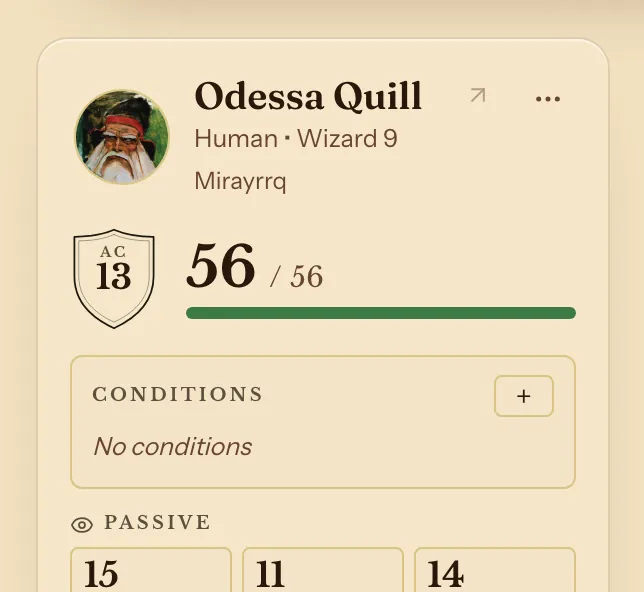
This page's example is The Drowned Lantern, with Odessa Quill joining.
If you are the DM
- In the top bar, press Campaigns.
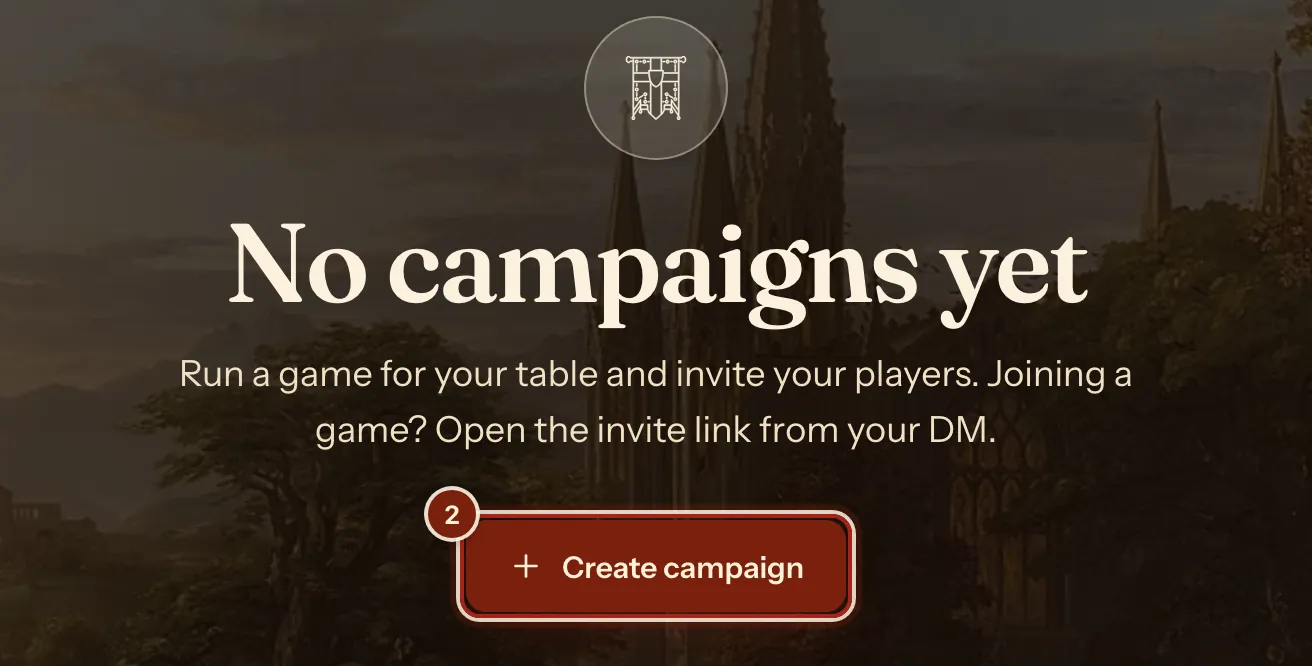
- Press Create campaign.
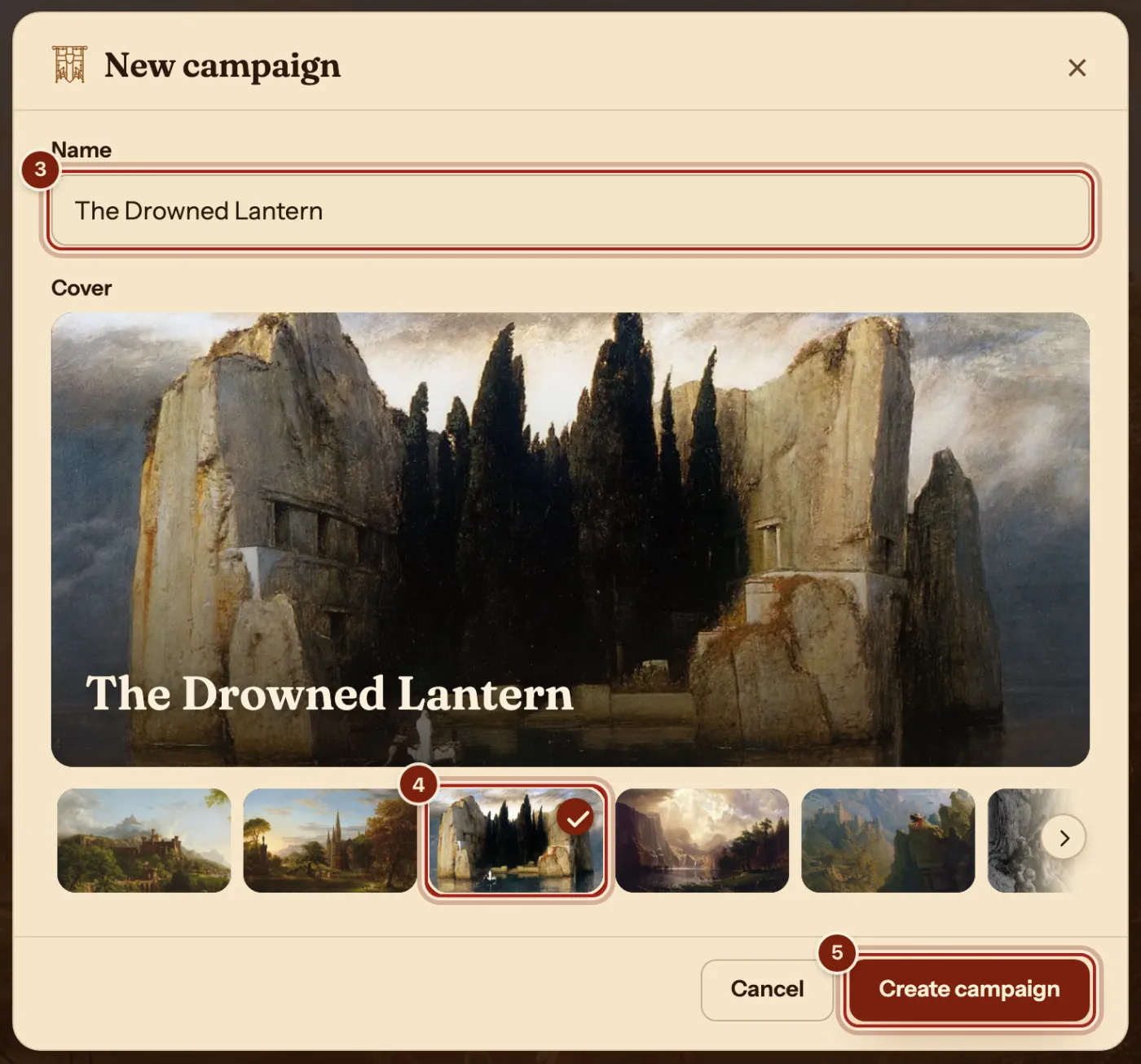
- Type a name.
- Pick a cover painting.
- Press Create campaign.
- On the Players tab, press Copy beside the link, and send it to your players.

If you are the player
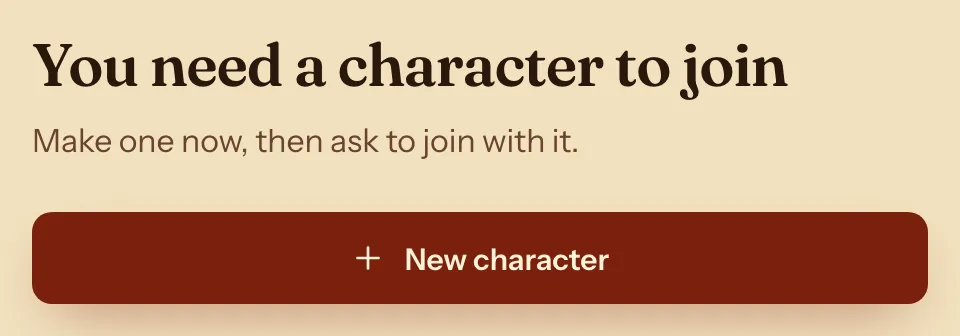
- Open the link. If you have no character yet, press New character, make one, and come back to the link.
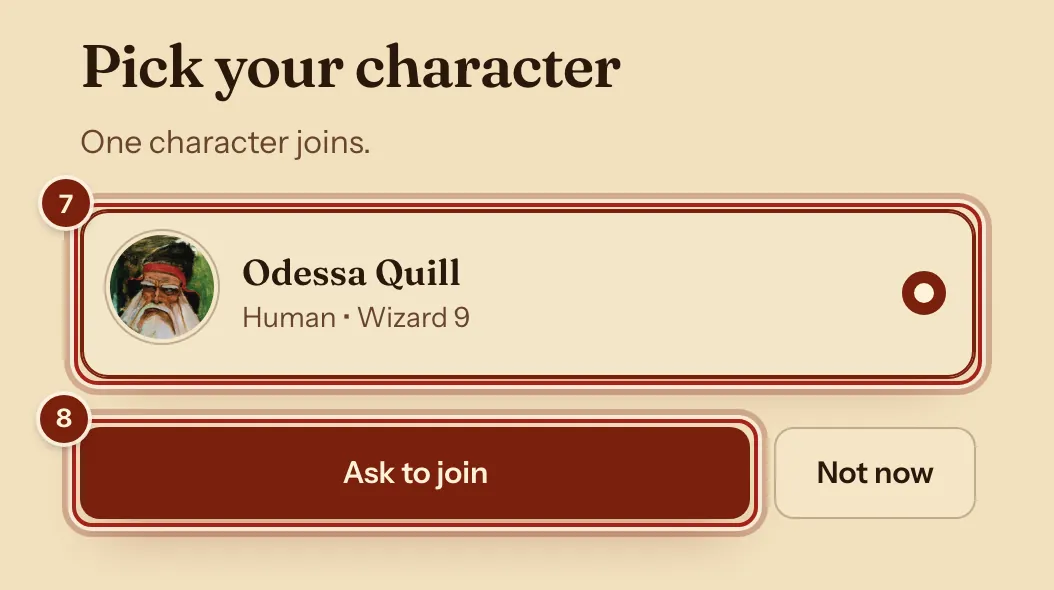
- Press your character.
- Press Ask to join.
Back to the DM, then play
- On the Players tab, under Join requests, press Accept.

- As the player, press Open the campaign.
- As the DM, press the Party tab. The player's card is there, and follows their sheet.
The invite link
The Invite button on your campaign's page opens these.
| In the window | What it does |
|---|---|
| Copy | Copies the link to send. |
| Ends | How long the link works. |
| Uses | How many people can use it. |
| New link | Makes a fresh link. |
| Revoke | Stops the link working. |
Questions
Do my players need their own account?
Yes. Each player signs in, so their character stays theirs and follows them to every device.
Can a player change their character later?
Yes. On the campaign's page, the player's own menu has Change character.
What happens to a character if a player leaves?
It stays theirs, with everything on it.
Keep going
- Run a campaignCreate it, send the invite link, accept your players, run it from the Party tab.
- Use the DM's dashboard: the Party view and your own layoutThe Party tab shows everyone; Arrange moves and sizes the blocks.
- Make a character, step by stepQuick build for one screen, Standard Builder for every choice.
- Share homebrew with your partyExport your compendium as a zip; they bring it in with Import homebrew.
- Give items to playersRight-click an item, Give to…; as DM, Give an item from the campaign page.