Campaign notes in Markdown, with links to monsters, spells and party characters
You want one place for session notes, places and people, with links between them, so you only ever write up an NPC once.
Your campaign's Notes tab holds your pages. Write in Markdown and it shows as formatted text while you type. Type [[ to link a monster, a spell, a player's character or another page. A page saves as you go and stays private until you share it.
- For DMs and players
Write in Markdown
Type the marks you already know, or select words and press a button. A tick box can be pressed right on the page. Add a picture from the same menu, and find any page later by its title or its tags.
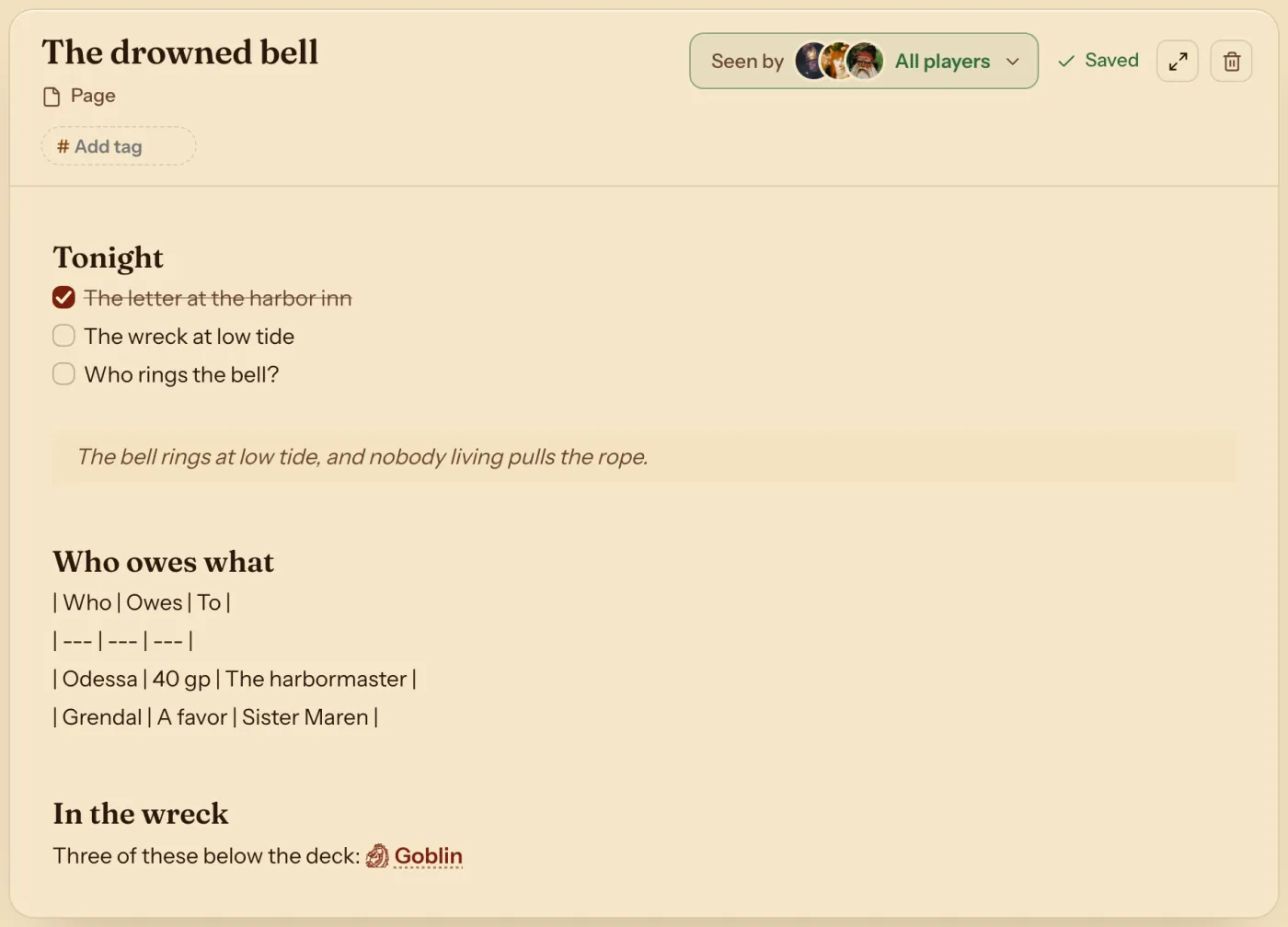
Link it together
Type [[ and pick from your pages, your party and the Compendium. A link to a monster opens its stat block, and a link to a page that does not exist yet offers to make it, so one person or place needs one page.
Share it, or keep it
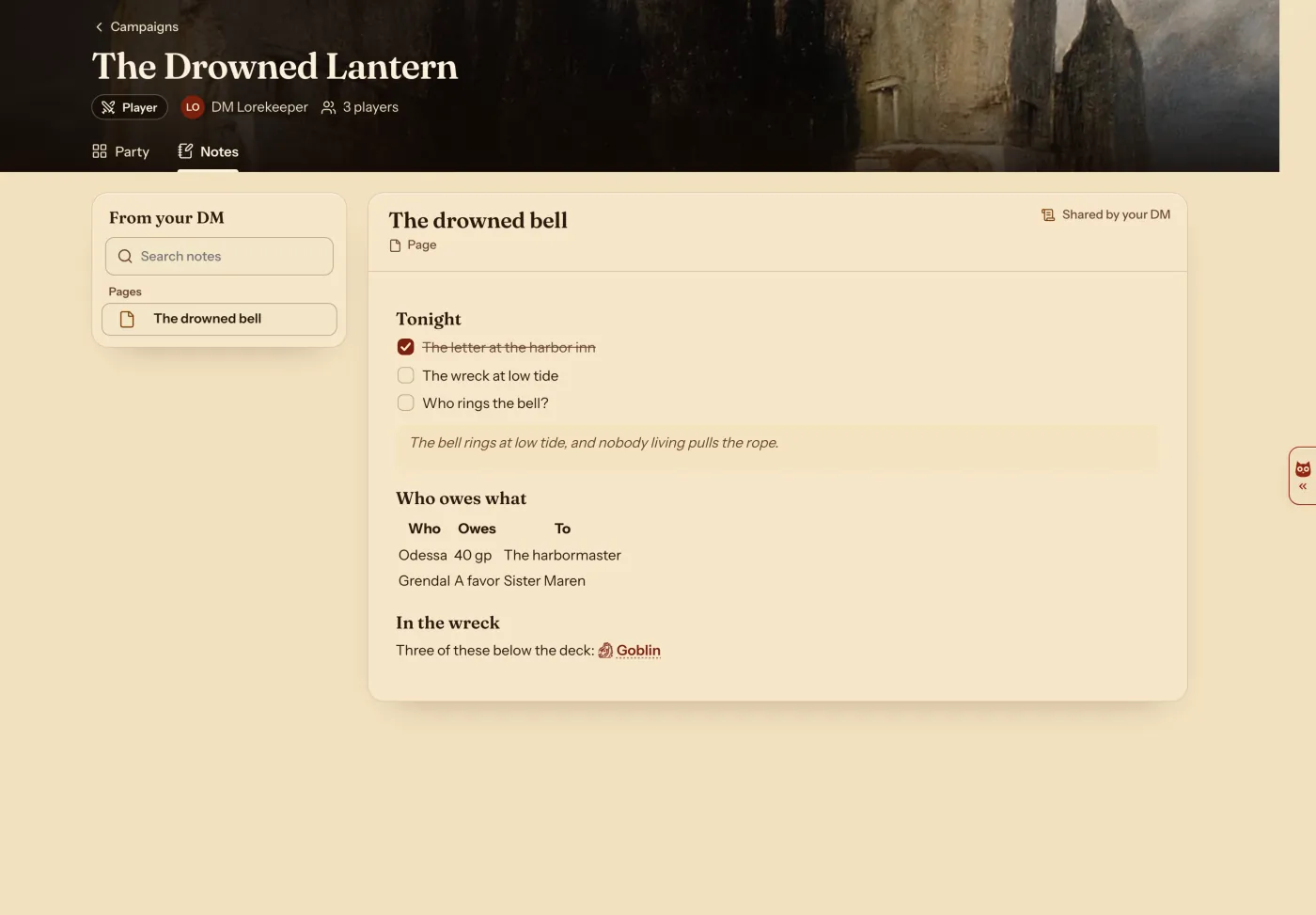
Every page starts as yours alone. Press Seen by to share it with all your players or some of them. They read it on their campaign's Notes tab, with its table drawn.
A Note block puts a page on your dashboard for the session.
What Markdown works in a note
| You type | You get |
|---|---|
## Heading | A heading, in six sizes. |
bold and *italic* | Bold and italic words. |
~~struck~~ | Words struck through. |
- item and 1. item | A list and a numbered list. |
- [ ] item | A tick box you can press. |
> words | A quote. |
--- | A line across the page. |
| Words set as code. |
| a | b | | A table, drawn when the page is read. |
[[Goblin]] | A link to a Compendium entry, a page or a party character. |
Questions
Can players keep notes too?
Yes. A player presses New note on a character's Notes tab and writes the same way. Share my character notes with my DM in Settings lets their DM read them.
Can my players read my campaign notes?
Only the pages you share. Every page starts as Only you.
Can I use it on my phone?
Yes. Sign in on your phone and your pages are there, with a row of writing buttons above the keyboard.
Keep going
- Step by step: Keep campaign notes and share handoutsPages on the Notes tab, and handouts with a PDF or a picture.
- Share handouts with players: a PDF, a picture or a page, with one player or allShare a PDF, a picture or a page with some or all of your players, and see who has opened a handout.
- DM dashboard: every player's HP, AC and conditions on one pageEvery player's HP, AC and conditions on one page, which the DM arranges with notes, monsters and rolls.
- Initiative tracker: add monsters, set the order, step through turnsAdd monsters to a fight with your players, set each number, and step through the turns.